OpenClaw
AniClaw, your localized
OpenClaw AI assistant
Your perfect digital partner and AI desktop companion.
Powered by the limitless capabilities of OpenClaw, AniClaw is the ultimate blend of top-tier productivity and emotional companionship. Fully localized, private by design, and works 24/7 with no setup needed.
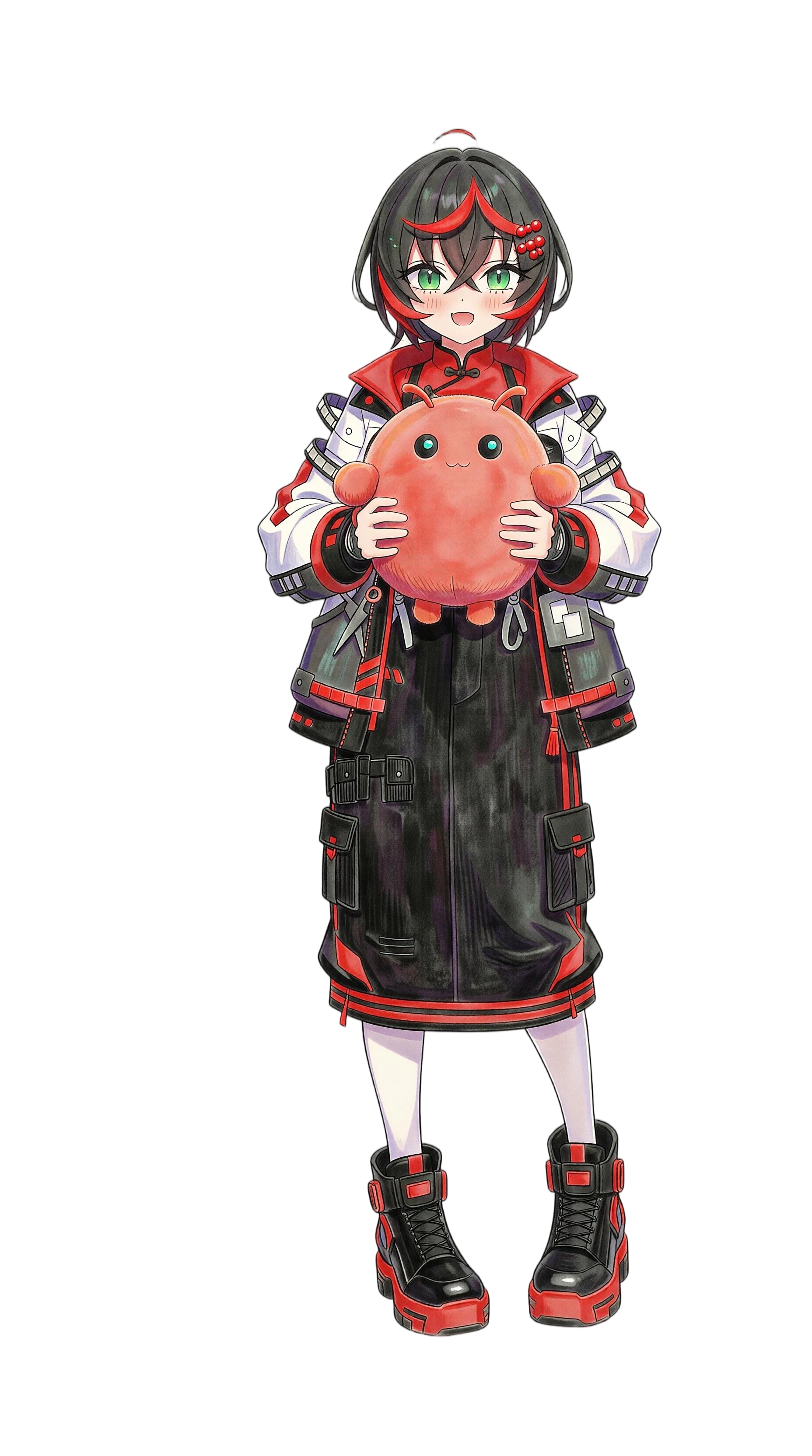
Companion mode
PRIVATE [LOCAL]
Core features of AniClaw
High-intent OpenClaw functionality, localized privacy, and emotional companionship in a single desktop assistant.
Custom development built on the open-source OpenClaw
- Complete localized OpenClaw's functionality
- Access the full OpenClaw-Skills library
- Long-term memory for personalized interaction
- Universal LLM support for flexible model choice
- One-click setup with no coding required
24/7 autonomous task execution
- Always-on productivity even when you don't actively interact
- Proactive planning based on your objectives
- Background task execution and schedule support
- Automated workflows across digital chores
Maximum privacy: 100% localized environment
- Local execution on your own hardware
- Zero cloud interaction for core AI usage
- Privacy-first architecture for sensitive work
- Designed for users who demand the highest security
Immersive anime avatars and natural interaction
- Rich character library of 2D and Live2D companions
- Multilingual fluency across 50+ languages
- Emotional interaction with expressions and body language
- Future-ready customization for personalized AI personas
How AniClaw Works
Three simple steps from checkout to a fully localized OpenClaw desktop assistant living directly on your machine.
1. Download
Visit the official AniClaw portal and download the installer optimized for your operating system.
2. Local Install
Run the installer. The setup wizard prepares the local environment and OpenClaw-Skills integration automatically.
3. Pick Your Companion
Launch AniClaw, browse the character library, choose your favorite avatar, and start collaborating.
Pick Your Pet Style
The key differentiator is the desktop pet itself. These modes show how prominently it lives on the desktop and how tightly the panel supports it.
[ MODE: 01 ]
Docked
Panel-First Workspace
Best when you still want the desktop pet visible but need quicker access to setup, launch control, and runtime inspection.
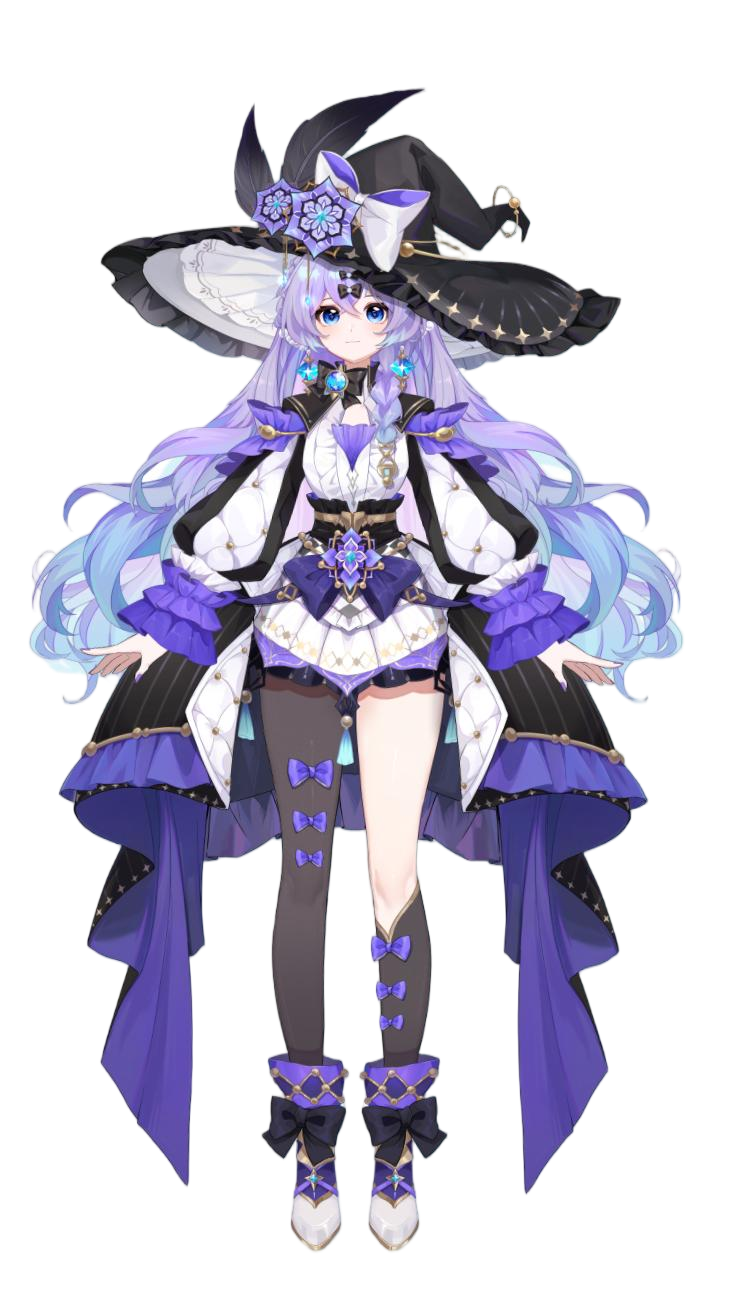
Active Mode
Docked
Pet Presence
Balanced
Install The Desktop Pet
Start with the pet. The installer brings up the OpenClaw environment and panel so the desktop pet can run immediately.
What Our Users Are Saying
I've been looking for a technology similar to OpenClaw but without the technical headache. AniClaw made it a one-click reality. It's like having a pro-coder and a personal assistant in one.
Leo T.
Software Engineer
The privacy aspect is what won me over. Knowing my work data stays on my SSD while my assistant helps me organize my day gives me total peace of mind.
Sarah W.
Creative Director
My desktop felt empty until I got AniClaw. The voice interaction is so natural, and she actually remembers my favorite music and coffee orders. It's more than software.
Mika K.
Freelance Illustrator
The 24/7 task execution is a game changer. I wake up to a summarized list of my emails and a pre-planned schedule. It is more efficient than a human assistant.
David L.
Tech Entrepreneur
As an anime fan, the character quality is top-notch. But as a professional, the skills library is what keeps me using it. The perfect balance of fun and function.
Chloe R.
Project Manager
Finally, a localized AI that doesn't lag. It's fast, secure, and the 50+ language support makes my international calls a breeze.
Alex H.
Global Sales Operations
Version History
v1.0.2
2026.04.10CURRENT- ►Refocused the landing page around the OpenClaw desktop pet
- ►Lowered the panel from primary message to supporting surface
- ►Made the pet the clearest product differentiator
- ►Aligned install cards with pet-first language
v1.0.1
2026.03.15STABLE- ►Introduced the desktop pet as a persistent runtime surface
- ►Improved panel and pet positioning in the visual hierarchy
- ►Reduced character-first wording across feature sections
v1.0.0
2026.01.01INITIAL- ►Initial public release of the visual OpenClaw landing page
- ►Established the OpenClaw runtime as the product foundation
- ►Introduced visual panel and desktop pet showcase blocks
Frequently asked questions
One-click access to your localized OpenClaw
Buy once and unlock the localized OpenClaw desktop assistant, immersive anime companion layer, and future UI updates.
AniClaw Lifetime License
Private 24/7 AI desktop assistance, local-first setup, and anime companion interaction in one purchase.
- Localized OpenClaw functionality
- OpenClaw-Skills library access
- One-click setup and local install flow
- 24/7 autonomous task execution
- Interactive anime avatar companion
- Future-ready customization updates